



For parents

Your child’s week, in plain words.

Enough to have one real conversation at dinner. And, when you want to, lessons you set yourself.

  • Link from either side
  • One space per child
  • No classroom jargon

Link from either side.

Start with your account or your child’s. Both end with the same link.

Starting as a parent

  1. Create a parent account
  2. Open Children and add a child You choose their username and password, so they have a student login.
  3. Your child signs in with it They study on their own screen. You follow along from yours.
Create a parent account →

Starting as a student

  1. Create a student account
  2. Open Family and get a code It works for 72 hours, and you can cancel it before then. On plans that include adding a parent.
  3. Give the code to your parent They enter it under Children, then Link a child. You are linked straight away.
Create a student account →

Either of you can remove the link later. Nobody can search for a child.

One page per child.

Written in children, not classes. You never manage a classroom to follow one.
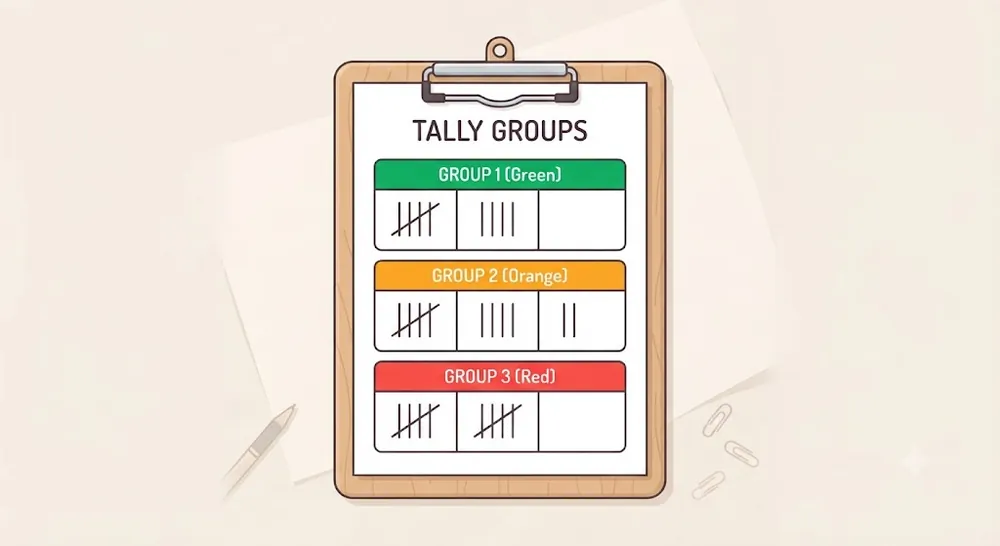
  • The four numbers that matter Courses, work still to do, points and the current streak.
  • Lessons, results and homework Open the lesson record or the homework record when a number needs a reason.
Toy-style tally of lessons finished in a week

Teach at home, if you want to.

Following along is enough. These are there for the evenings it is not.
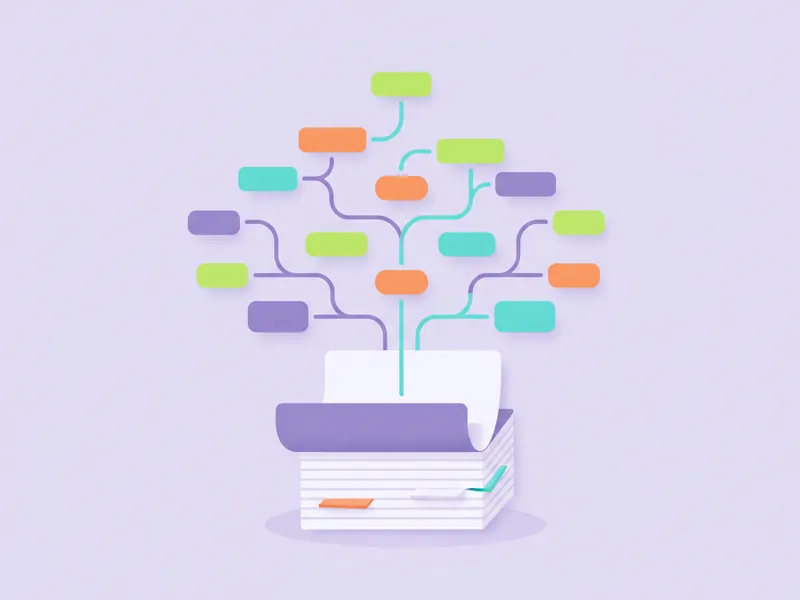
Toy-style lesson board being built
Build a course and give it to a child Make lessons in Canvas Studio, then tick which of your children can study them. Untick to take it back.
Toy-style writing task
Homework for one child Set work for Sara without it landing on her brother.
Toy-style bar chart
One family plan It also funds your children’s own creating. Each child gets a share, and you decide the split.

Start with one child.

Create your account, then add your child or enter the code they give you.