



For private tutors

Your students, your practice.

Nobody above you to set anything up. Sign up and your practice is already there: classes, students and the lessons you teach them.

  • Students join from a link
  • One grid for who is in which class
  • Lessons you build and assign
Getting students in

A link short enough to write on a whiteboard.

Make an invitation link for a class. Students open it, sign up and land in that class.
  • Or a QR code On plans that include it, the same link as a code thirty phones can scan at once.
  • You control the link Set an expiry or a maximum number of uses, and replace a link that got passed around.
  • One student, several tutors A learner who joins your class can still join someone else’s.
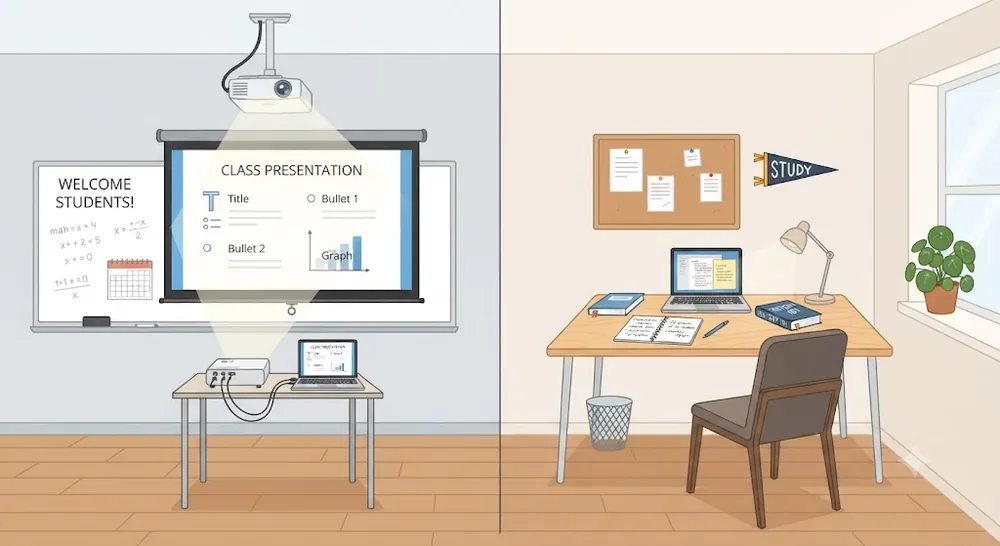
Toy-style tutor desk beside a student’s screen

Every student, every class, one grid.

Students down the side, classes across the top. Tick a square to put a student in a class.
  • Untick means out The student leaves that class straight away, and every count agrees with the empty square.
  • Add from the same screen Create a class or a student without leaving the grid.
Toy-style grid of coloured blocks

Then teach them.

The same tools a school teacher gets, sized for a practice of one.

Toy-style lesson board being built
Build lessons in Canvas Studio Draft with AI, edit what you dislike, then tick the classes that can study the course.
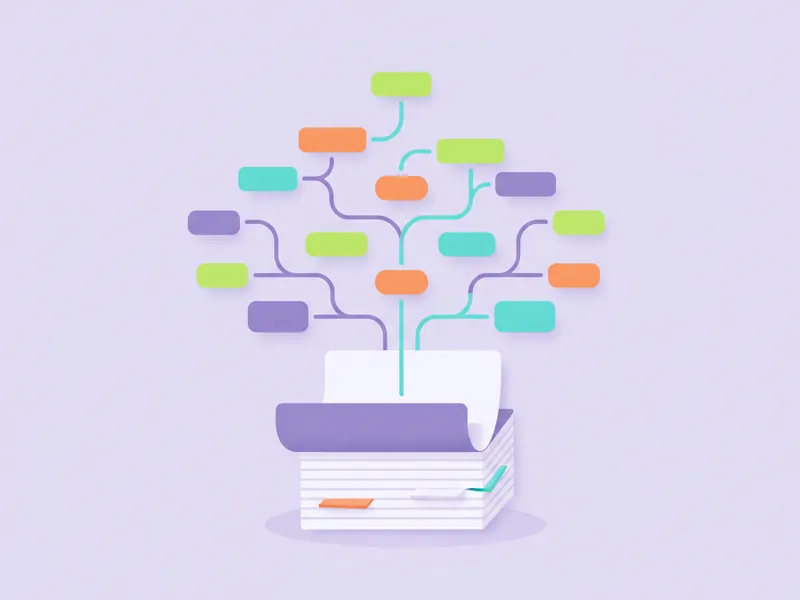
Toy-style mastery path across a pastel concept grid
See what each student knows Mastery per concept, built from what each student actually answered.
Toy-style bar chart
Seats that follow your roster Your plan’s seat budget is divided between the students actually linked, so nothing is stranded.

Your practice is ready when your account is.

A tutor account goes through teaching approval before it can make class links.