



Managing your family plan and AI allowances
Lesson 4 of 4
What you'll do in this lesson: - Inspect your family plan status and billing details - Monitor shared AI tutor allowances across all children - Manage learner seats as your family grows - Access invoices and manage renewal settings
View your plan on the Billing page
Navigate to Billing from your user menu in the top right corner. The Billing dashboard provides complete visibility into your active family subscription.
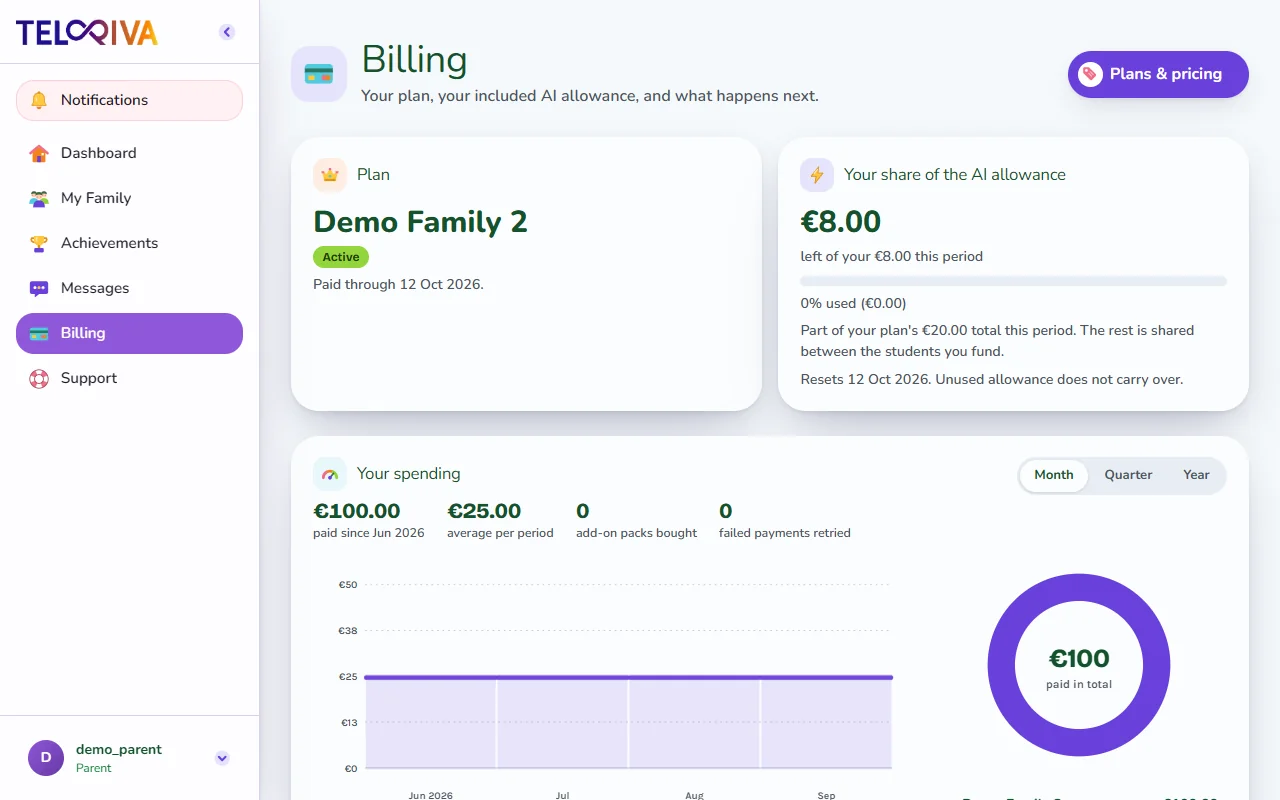
Here you can review your current plan tier, renewal date, and payment status.
Track shared AI tutor usage
Family plans include a generous monthly AI allowance shared across all connected children:
- Each question asked to the AI tutor consumes a small amount of your monthly allowance.
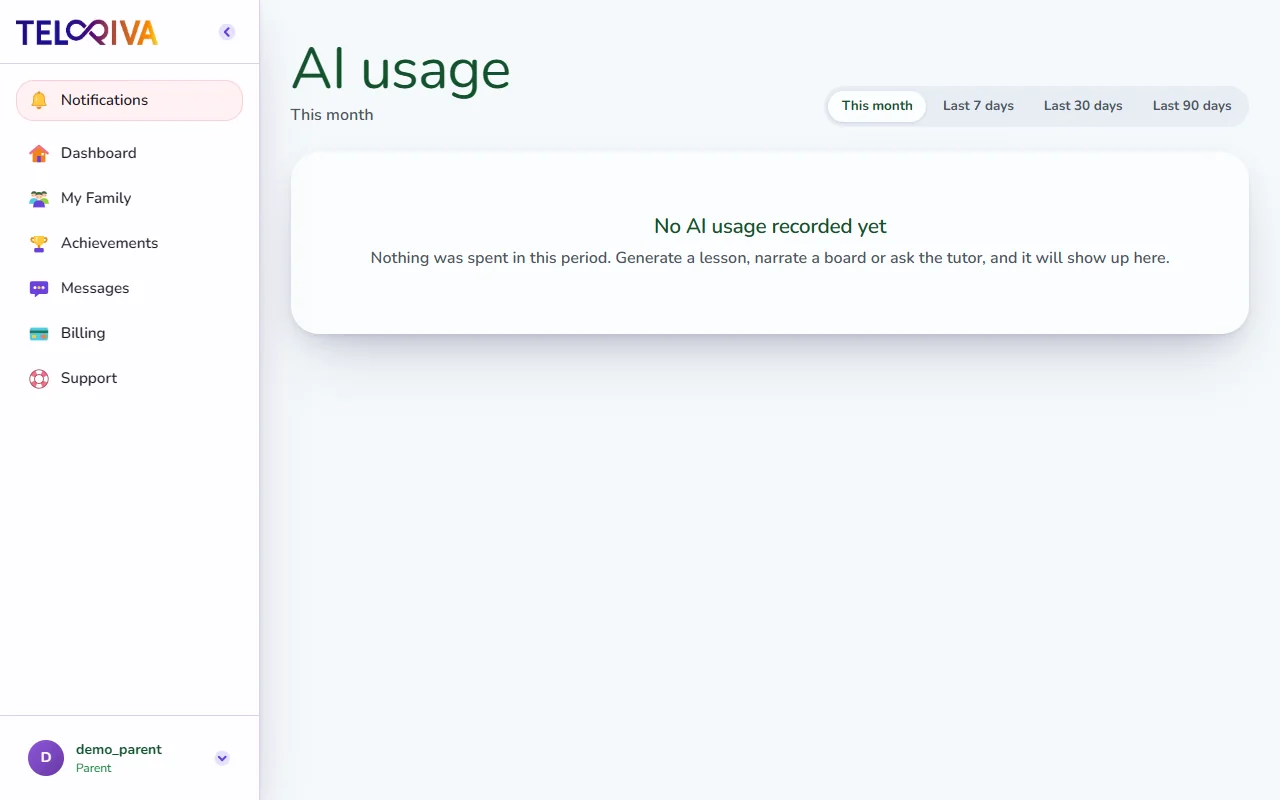
- Visit the AI Usage page to see a transparent breakdown of usage by date and child.
- Quotas renew automatically at the start of every billing cycle.
Adjust child seats
If you have another child starting school or want to add an additional learner:
- Select Manage Plan on your Billing page.
- Select your desired seat capacity.
- Review the adjusted total and confirm your update.
Tip. Need help with an invoice or payment method? Visit our Managing your subscription article or Contact us directly.
Still need help?
Message the team, or open a ticket if something is broken. We reply by email.