


Setting homework and practice for your child
Lesson 3 of 4
What you'll do in this lesson: - Open the Homework section of the parent dashboard - Choose targeted lessons or practice exercises - Set clear deadlines and optional guidance notes - Review completed assignments and accuracy
Open the Homework section
In your parent dashboard, select Homework from the main menu. This area allows you to assign specific study goals and follow up on their completion.
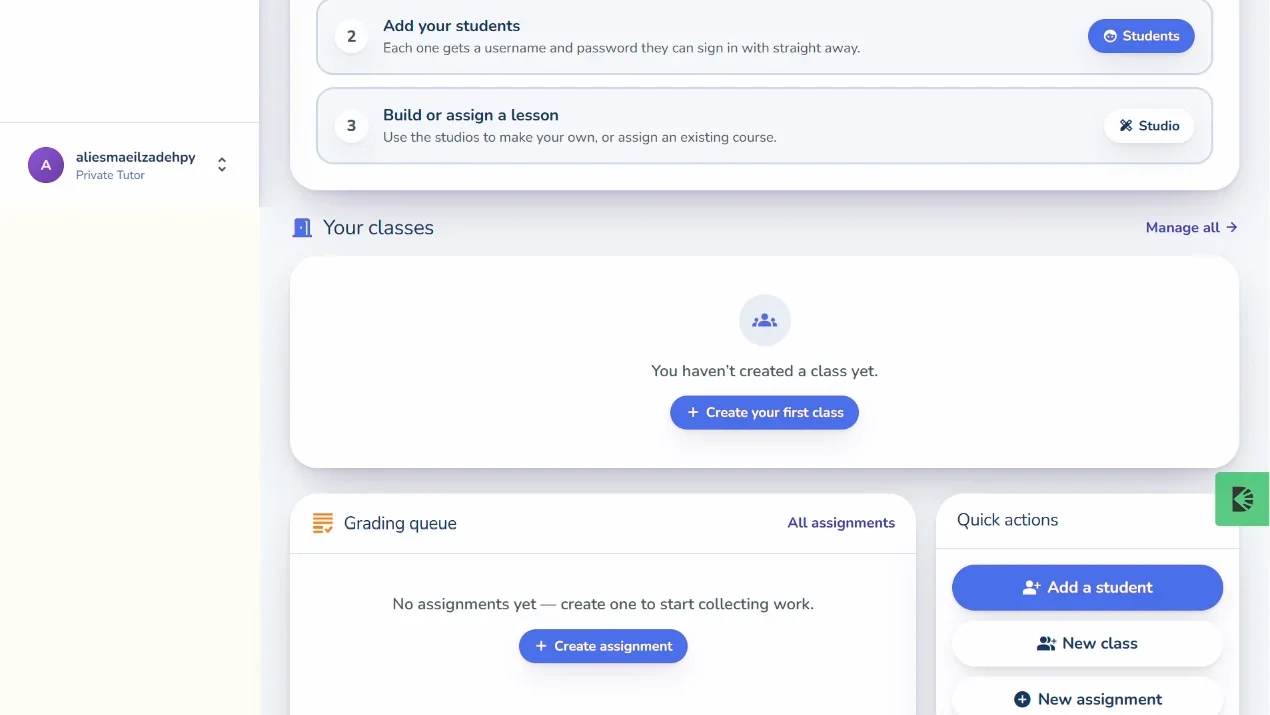
Click Set Homework to create a new assignment for your child.
Select topics and lessons
Browse available curriculum areas:
- Select the child you are assigning work to.
- Choose the subject and relevant lesson module.
- Choose whether to assign a full lesson or specific review cards.
Set completion deadlines
Pick a target completion date from the calendar picker:
- Setting a reasonable deadline (e.g., end of the week) helps learners budget their study time.
- Add an optional parent note (for example: "Complete before soccer practice on Thursday").
Click Assign Homework to publish the task to your child's dashboard.
Review completed assignments
When your child finishes the assigned cards, the status updates to Completed in your dashboard. You can review their score, completion time, and any questions they found tricky.
Tip. Consistent 10-to-15 minute daily assignments build far better retention than long marathon sessions on the weekend.
Still need help?
Message the team, or open a ticket if something is broken. We reply by email.