



Reviewing lessons with spaced repetition
Lesson 3 of 4
What you'll do in this lesson: - Learn how spaced repetition locks knowledge into memory - Identify lessons ready for review on your dashboard - Complete fast 2-minute review sessions - Monitor your retention on your personal Mastery Map
Spot lessons due for review
After finishing a lesson, teloriva's spaced repetition system schedules short refreshers right when memory decay naturally starts.
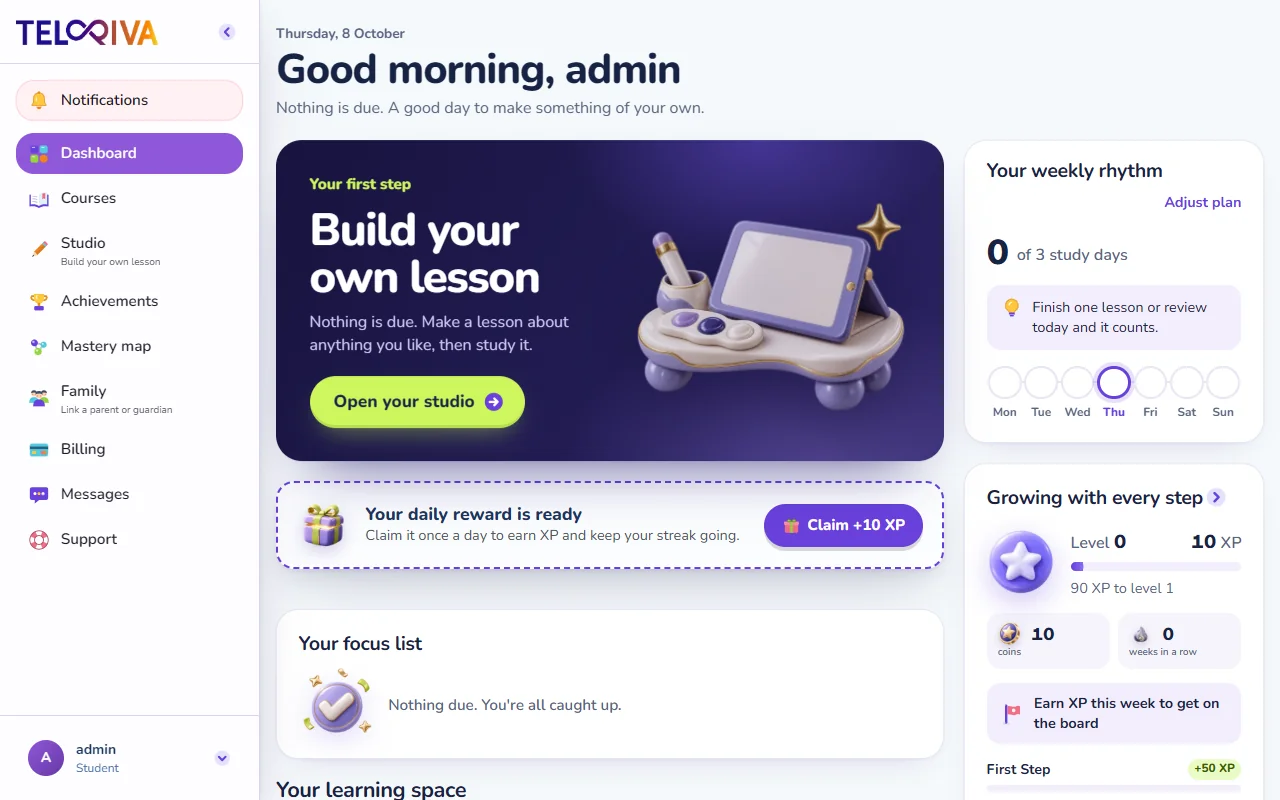
When a refresher is due, the course card will display a Review Course button or an SRS Review indicator.
Launch a quick review session
Click Review Course to start your session. Review lessons are designed to be fast and focused:
- Each session takes only 2 to 3 minutes to complete.
- The cards target the specific concepts you found most challenging during your original lesson.
- Immediate reinforcement ensures key ideas transition from short-term recall into lasting mastery.
Check your Mastery Map
Open your Mastery Map to see an overview of everything you have learned across your courses:
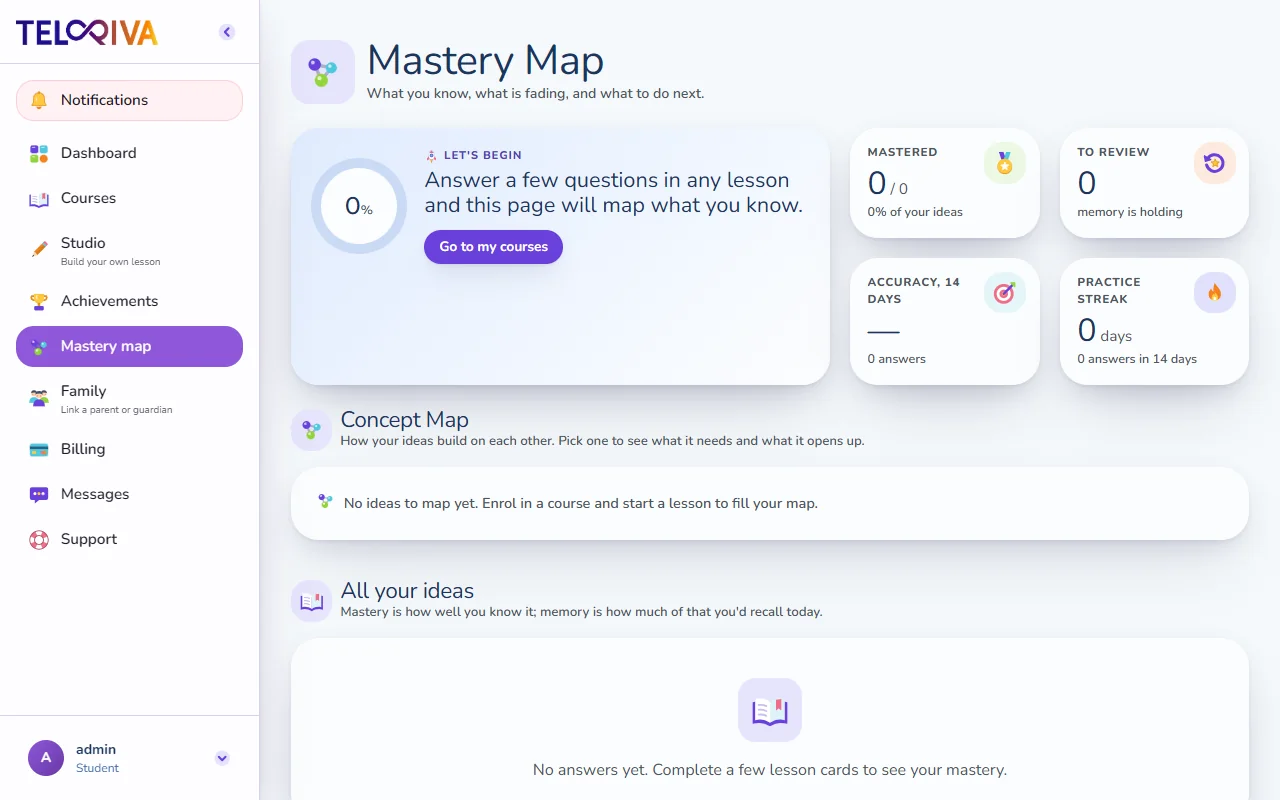
- Introduced: Lessons you have encountered recently.
- Practiced: Topics you have reviewed successfully at least once.
- Mastered: Concepts where you have demonstrated consistent long-term retention over multiple review intervals.
Tip. Completing reviews as soon as they appear is the single most effective way to keep your Mastery Map glowing and maximize your retention.
Still need help?
Message the team, or open a ticket if something is broken. We reply by email.